
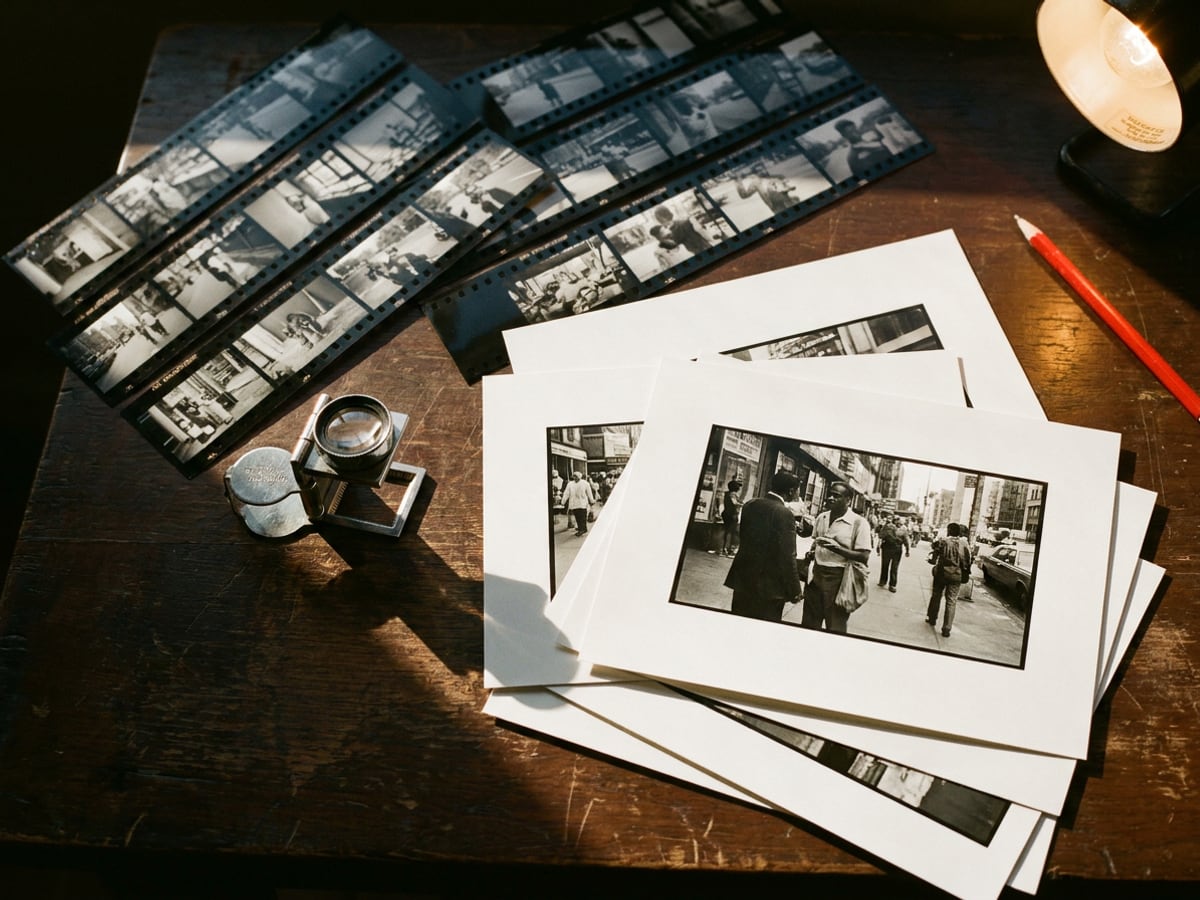
Interactive crop and horizon guides
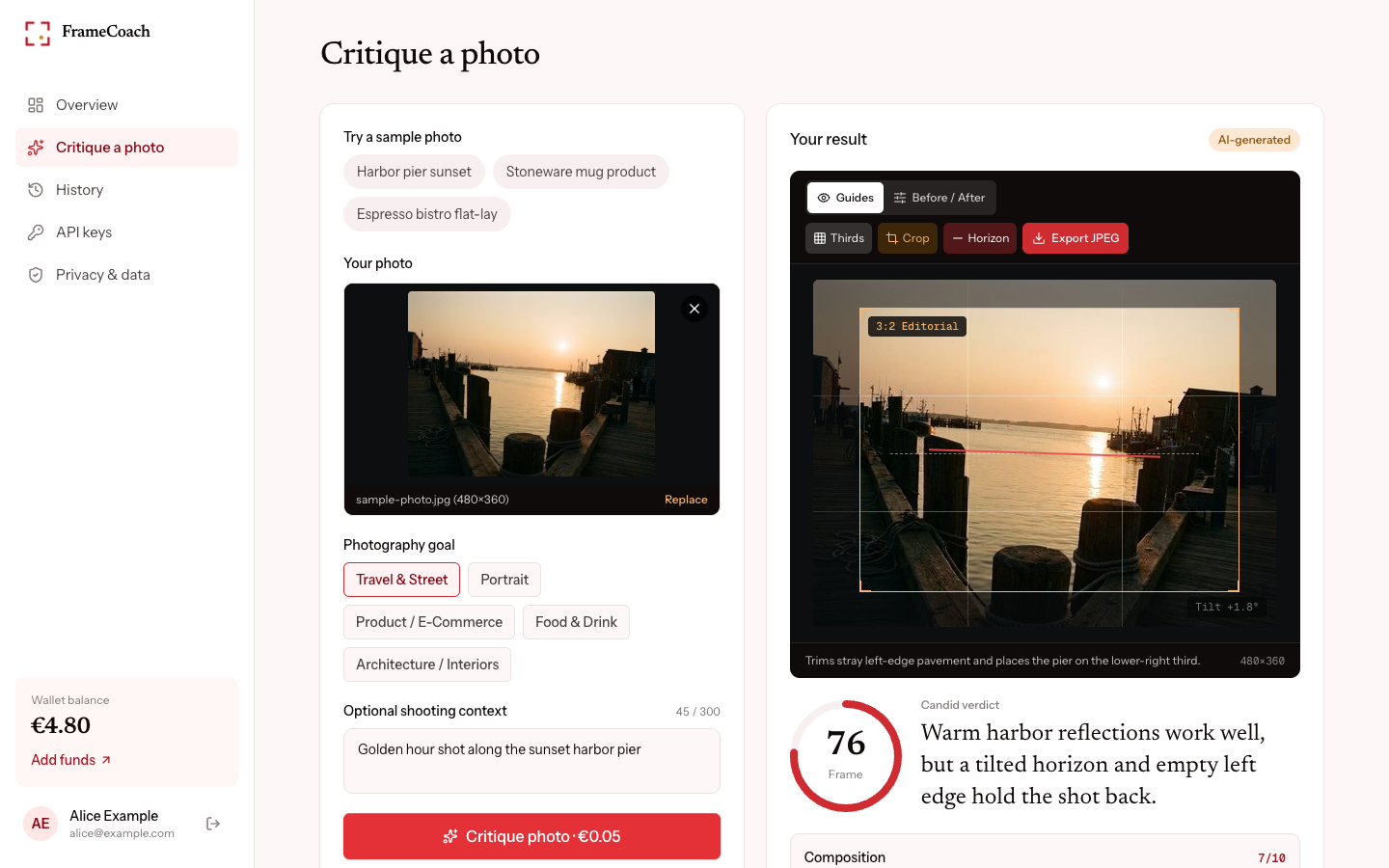
Every critique draws a suggested crop frame, rule-of-thirds grid, and horizon level indicator directly over your photo so you see the composition fix immediately.
Upload any photo for an honest photographer critique, suggested crop guides, a live before-and-after preview, and copyable edit sliders.
€0.05 per photo critique, charged only when the result is ready. Sign in with your Sensifai account.
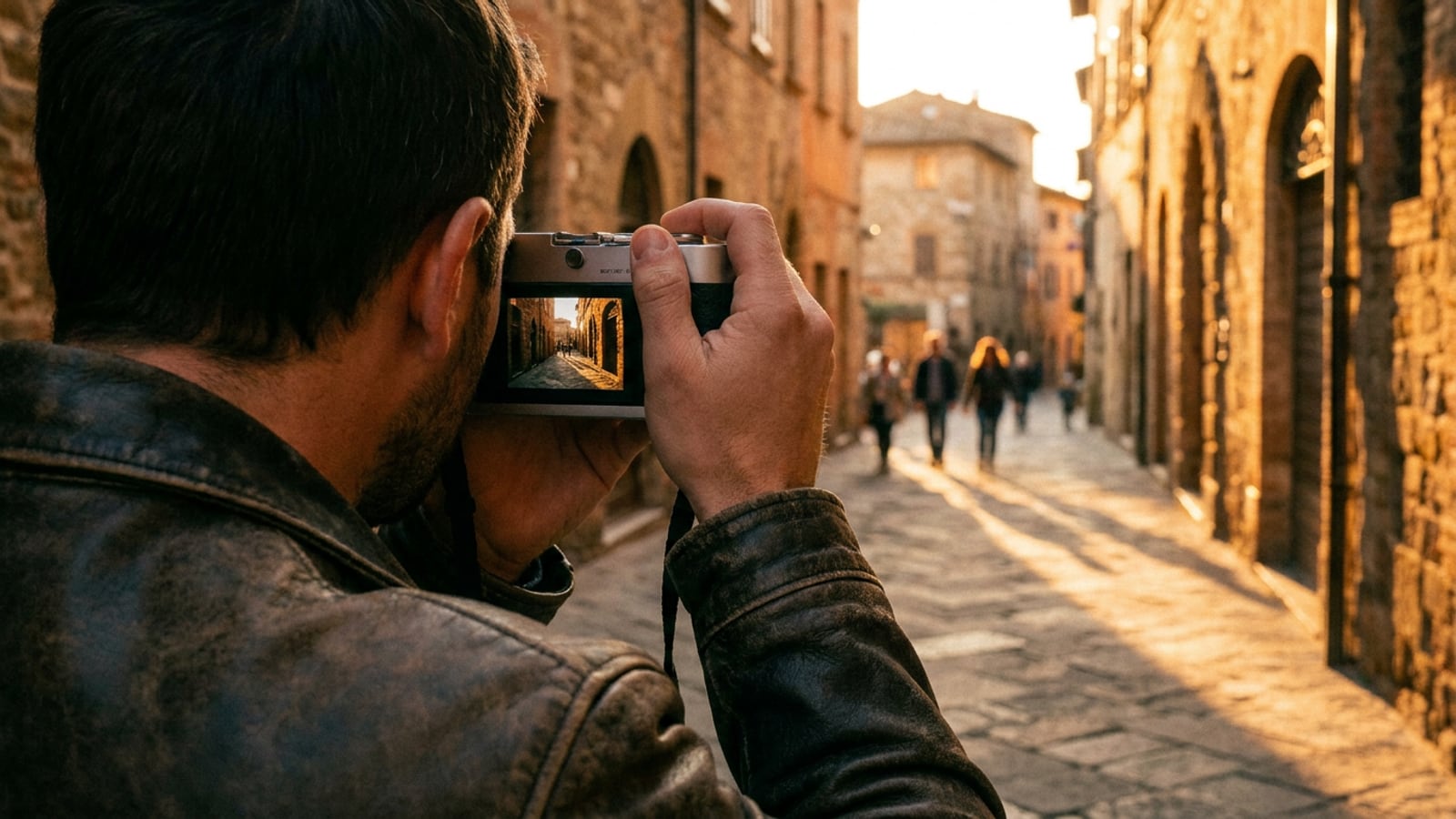
Sample critique
Harbor pier sunset
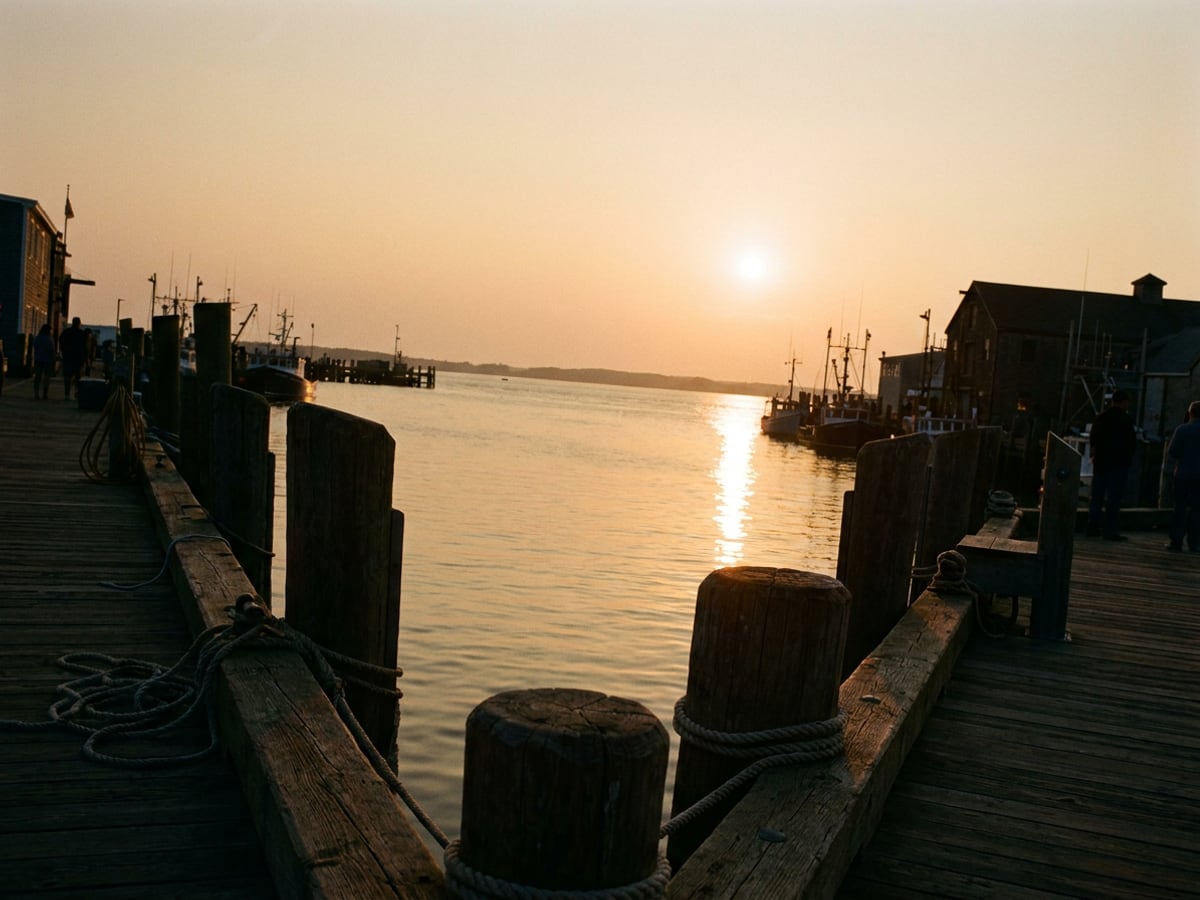
Candid verdict
Strong golden-hour reflections held back by a tilted horizon and empty left-edge clutter.
Crop
3:2 Editorial
Straighten
-1.8°
Exposure
+0.10
Contrast
+12
Upload any photo, pick your shooting goal, and get an honest visual critique with interactive crop guides, a live before-and-after preview, and slider values ready for your phone editor.
Drop in a JPG, PNG, WEBP, or HEIC photo and choose Travel & Street, Portrait, Product, Food & Drink, or Architecture.
Toggle rule-of-thirds, horizon level, and suggested crop guides over your image, and read a four-part visual scorecard with concrete fixes.
Drag the live before-and-after split handle, download the cropped and tone-balanced JPEG, or copy the slider recipe to your phone editor.
Every critique draws a suggested crop frame, rule-of-thirds grid, and horizon level indicator directly over your photo so you see the composition fix immediately.

Preview straightened lines, lifted shadows, and balanced warmth in real time with a draggable split comparison slider, then export the polished JPEG.
Copy exact exposure, highlight, shadow, and warmth values for iPhone Photos, Lightroom Mobile, or Snapseed, paired with one physical move for next time.
Everything in one place: run an analysis, review results, manage API keys and your data.
Create a key in the workspace and call one HTTPS endpoint. Each successful call costs €0.05 and is charged to your Sensifai wallet.
curl -X POST https://framecoach.sensifai.com/api/v1/run \
  -H "Authorization: Bearer $API_KEY" \
  -H "Content-Type: application/json" \
  -d '{
  "image": "data:image/jpeg;base64,<base64-encoded-photo>",
  "goal": "travel",
  "notes": "Golden hour harbor street shot on phone"
}'{
"id": "run_9a4e1c20",
"result": {
"overallScore": 74,
"verdict": "Strong golden-hour reflections held back by a tilted horizon and empty left-edge clutter.",
"scores": {
"composition": {
"score": 6,
"reason": "Leading pier lines work well, but excess empty left pavement weakens balance."
},
"lighting": {
"score": 8,
"reason": "Warm backlight creates rich reflections across the harbor water."
},
"subjectClarity": {
"score": 7,
"reason": "Foreground bollards anchor the shot while distant silhouettes blend into shadows."
},
"colorMood": {
"score": 9,
"reason": "Amber sky and slate-blue water deliver cohesive dusk contrast."
}
},
"crop": {
"aspectLabel": "3:2 Editorial",
"x": 0.12,
"y": 0.08,
"width": 0.82,
"height": 0.82,
"reason": "Removes excess left edge and aligns the pier on the lower-right third."
},
"horizonTiltDeg": 1.8,
"adjustments": {
"straightenDeg": -1.8,
"exposure": 0.1,
"contrast": 12,
"highlights": -28,
"shadows": 24,
"warmth": 6,
"saturation": 4
},
"strengths": [
"Warm sunset light along the wooden pier",
"Balanced amber and slate reflections"
],
"fixes": [
{
"title": "Level the 1.8 degree right tilt",
"detail": "Horizon slopes downward on the right.",
"priority": "high"
},
{
"title": "Trim left foreground edge",
"detail": "Tighten 12 percent on the left for a stronger 3:2 frame.",
"priority": "medium"
}
],
"nextShotTip": {
"headline": "Drop your camera to knee height",
"move": "Shoot closer to the foreground bollard so its texture anchors the reflection."
}
},
"aiGenerated": true,
"charge": {
"amountEur": 0.05,
"currency": "EUR"
}
}Your Sensifai wallet covers this app and every other app on the marketplace.
No. Your photo is processed in memory and discarded immediately after the critique is returned. We also strip EXIF and GPS location metadata before analysis.
You can upload JPG, PNG, WEBP, and HEIC photos up to 4 MB. Large phone photos are automatically resized in memory for fast analysis.
Yes. The edit recipe uses standard straighten degrees, aspect crop ratios, exposure stops, and tonal sliders that map directly to iPhone Photos, Lightroom Mobile, and Snapseed, and you can also download the previewed JPEG directly.
Only after a complete photo critique is returned. Invalid uploads or failed analyses are never charged, and all built-in sample photos are free to explore.
Yes. Create an API key in your workspace and send base64 images with a shooting goal to the HTTPS endpoint. Usage is charged to your wallet.